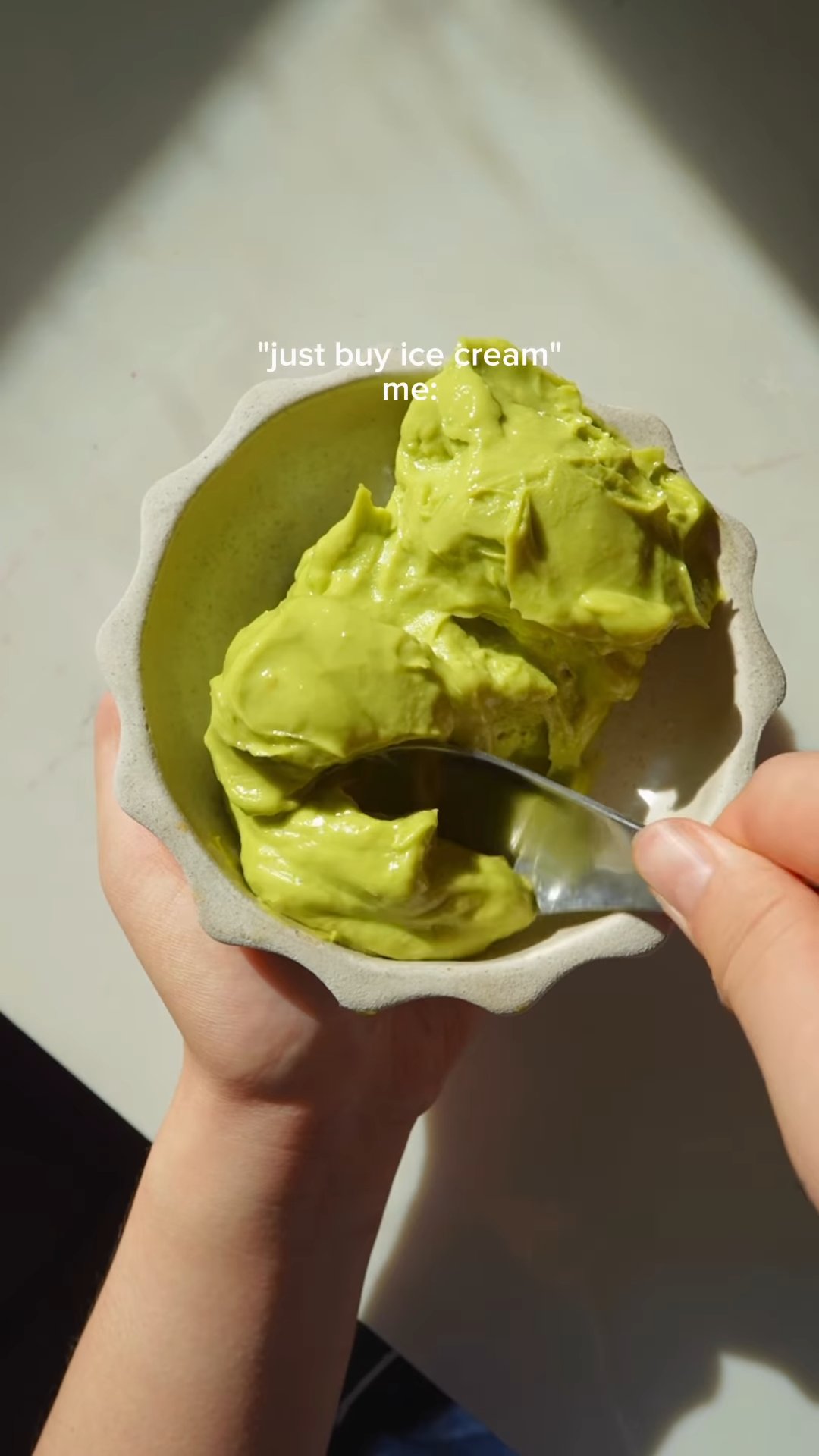
Save recipes from videos — without scrubbing back through the Reel

Paste a link to a cooking video and get the ingredients, the quantities and the steps written out — in a page you can actually cook from, and search later.

Works with any YouTube link today, including Shorts. TikTok and Facebook are not supported yet — see what it works with.

The video was never the problem. Cooking from it is.

Saved, then never opened

The bookmark folder is where recipes go to be forgotten. There is no ingredient list in it, so you can never shop from it.

The recipe is in the caption

Or half of it is, and the other half is only ever said out loud. You end up reading and watching at the same time.

Scrubbing back with wet hands

The step you need is fourteen seconds in, and the phone has locked itself again.

Quantities said once, at speed

“A good glug” at 2× over a music bed, and no way to check without starting the clip over.

You cannot search it

Two hundred saved videos and no way to ask which one had the miso butter.

Posts get deleted

Creators take things down, accounts go private. The recipe goes with them.

How it works

Paste the video link

Copy the link to the cooking video and paste it into the box at the top of this page.

The recipe is read from the video

The ingredients, quantities and steps are read from the video's on-screen text, description and narration. Nothing is typed by hand.

Check it and cook

Anything the extraction was unsure about is flagged rather than stated as fact. Check those, and the recipe is saved to your library ready to cook from.

What it costs

Saving recipes is free. There is a monthly allowance on extractions we run for you, which covers ordinary use comfortably.

If you would rather not have an allowance at all, connect your own AI assistant: that route runs on your machine, uses none of our computing, and is therefore unlimited — and it is also how Instagram works here.

Set up your own AI assistant →

What it works with

YouTubePaste it here
Full videos and Shorts. This is the box above.
InstagramThrough your own AI assistant
Free and unlimited, but it needs a one-time setup. See below.
TikTok, Facebook, PinterestNot yet
We would rather say so than fail on the paste.

Versus what you do now

Screenshots

Fast to take, useless to shop from, and they sink through your camera roll within a week.

Saved and bookmarked

Keeps the video, not the recipe. You still have to watch it again to cook, and it disappears if the post does.

Typing it into Notes

This actually works. It also takes ten minutes a recipe, which is why almost nobody does it twice.

Common questions

How do I save a recipe from a video?
Copy the video's link, paste it into the box at the top of this page, and the ingredients, quantities and steps are written out for you. Nothing is typed by hand, and the recipe is saved to your library so you can cook from it later.
Can I save recipes from Instagram Reels?
Yes, but not by pasting the link here. Instagram takes a different route: you connect your own AI assistant once, and it does the extraction on your machine. That path is free and has no limit on how many recipes you save.
Does it work with TikTok?
Not yet. TikTok, Facebook and Pinterest are not supported, and we would rather tell you here than have the paste fail.
Is it free?
Yes. Saving recipes from videos is free, with a monthly allowance on extractions we run for you. The route that uses your own AI assistant has no allowance at all, because it uses none of our computing.
Do I need to install an app?
No. This works in the browser, on a phone or a laptop. You do need an account, so that the recipe has somewhere to be saved to.
What if the video has no voiceover?
It still usually works. The recipe is read from whatever the video actually carries — the words on screen, the description, and the spoken narration where there is one. A silent video with no text at all is the case most likely to come out thin.
What happens if the recipe comes out wrong?
Anything the extraction was unsure about is flagged rather than presented as fact, and every recipe is editable. Fixing a quantity takes a few seconds, and the correction is yours to keep.
Can I edit the recipe afterwards?
Yes. Ingredients, steps, servings and tags are all editable, and you can add your own notes — the changes you make when you actually cook it are usually the useful part.
What if the original post gets deleted?
Your saved copy stays. That is most of the point: the recipe stops depending on someone else's account still existing.
What if I paste a video I have already saved?
You are shown the recipe you already have, with a link straight to it, and nothing is extracted twice.

Try it with the last video you saved

Paste the link and see what comes back.