YouTube + Instagram
Paste directly
Paste a public video, Short or Reel here, or share it to the Nourishible iPhone app. Nourishible reads the available recipe details and saves the result to your library.
Video to recipe
Paste a YouTube video, Short or Instagram Reel and turn the available narration, on-screen text and caption into a structured recipe you can search, save and cook from.
YouTube and Instagram work directly here. Xiaohongshu uses a connected AI assistant. See how each channel works.
More ways to bring a recipe home
Recipes do not all arrive in the same format. Nourishible gives each supported channel an honest route into the same recipe library.
Paste directly
Paste a public video, Short or Reel here, or share it to the Nourishible iPhone app. Nourishible reads the available recipe details and saves the result to your library.
Use your AI assistant
Connect once, then send your assistant a RED video or photo note — or an Instagram carousel. It saves the structured recipe to the same library, and never uses a recipe save.
Not yet
These channels do not have a working Nourishible extraction route today. We would rather say that before you paste.
Platform availability checked October 2, 2026.
Built for after save
See ingredients and stated quantities together instead of rebuilding a list from a caption and voiceover.
Follow ordered steps without unlocking your phone and dragging the video back with wet hands.
Search your library by recipe or tag instead of scrolling through hundreds of saved posts.
The original creator and source stay attached, so you can check the saved recipe against the video whenever you need to.
How it works
Paste a YouTube or Instagram link here, or share the video to the iPhone app. For Xiaohongshu, send the link to your connected AI assistant instead.
Available narration, on-screen text, captions and descriptions are brought together into ingredients, quantities and ordered steps.
Nourishible saves the result and lets you know when it is ready. Check the finished recipe against the original source before cooking.
Compared with now
Fast to take, but they capture fragments. Shopping and cooking still mean piecing the details together.
They keep the video, not the recipe. You still have to replay it, and the save is no help if the source disappears.
It works, but every ingredient and step has to be copied by hand. That is why so many saved videos stay unwritten.
Questions
Ready when you are
Paste a YouTube or Instagram link now, or connect your AI assistant for Xiaohongshu.
Prefer the assistant route? Connect your AI assistant.
The result, in the open
These are public recipe pages created from cooking videos, not polished mockups. Open any card to see its ingredients, steps and original source.
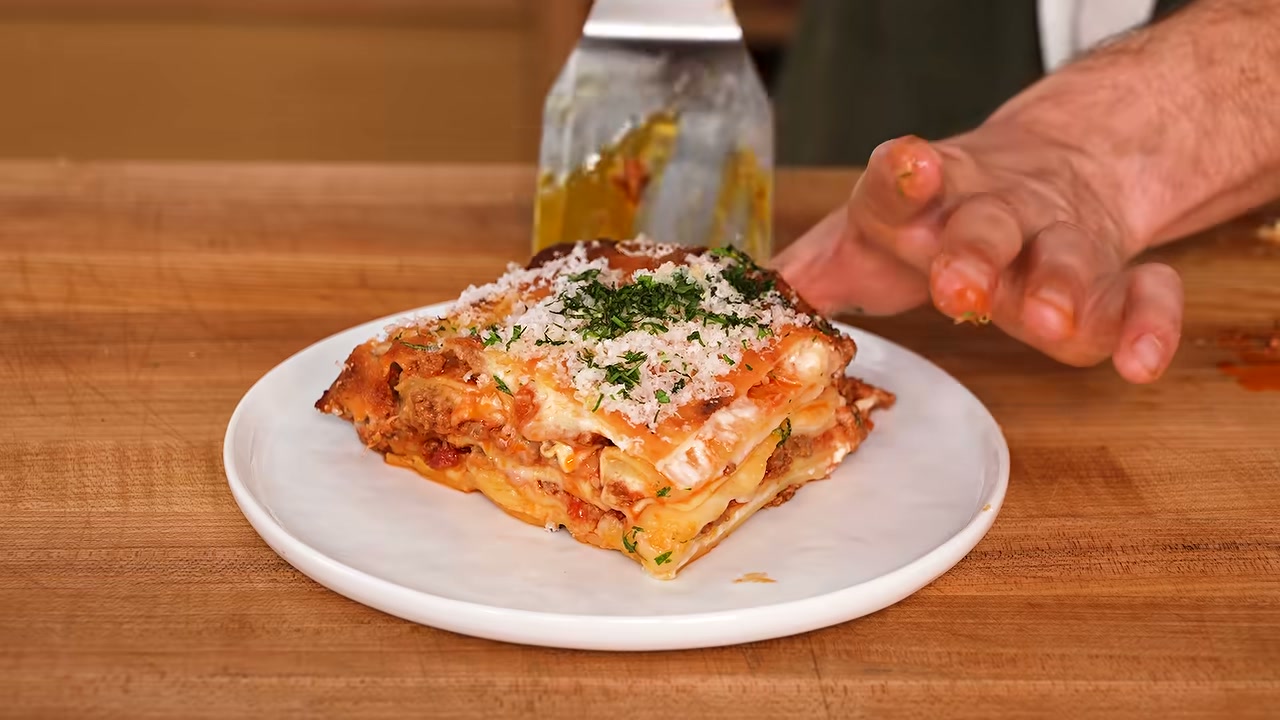
Video · JoshuaWeissmanRecipes
135 min · Serves 12
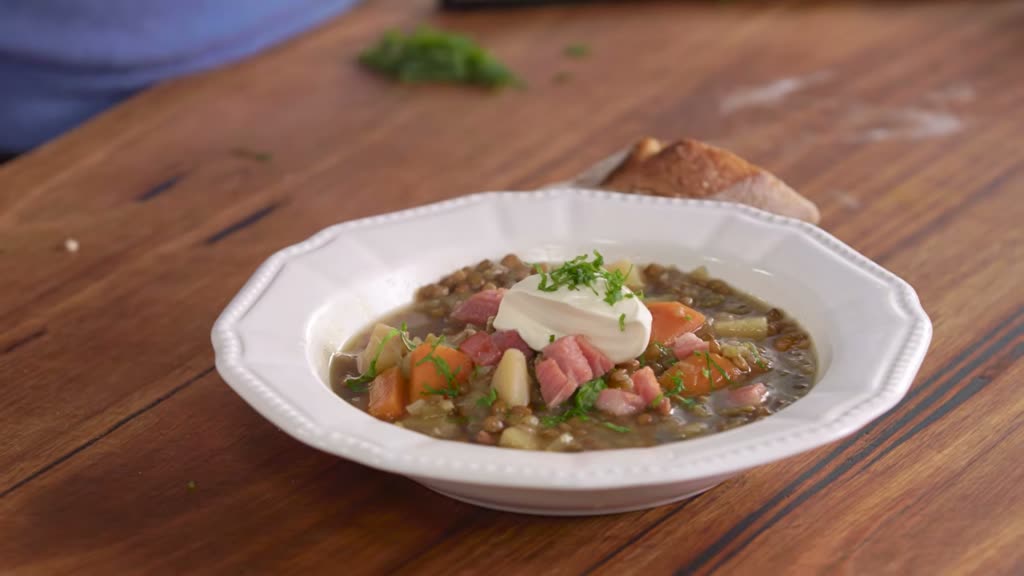
Video · everydaygourmettv
80 min
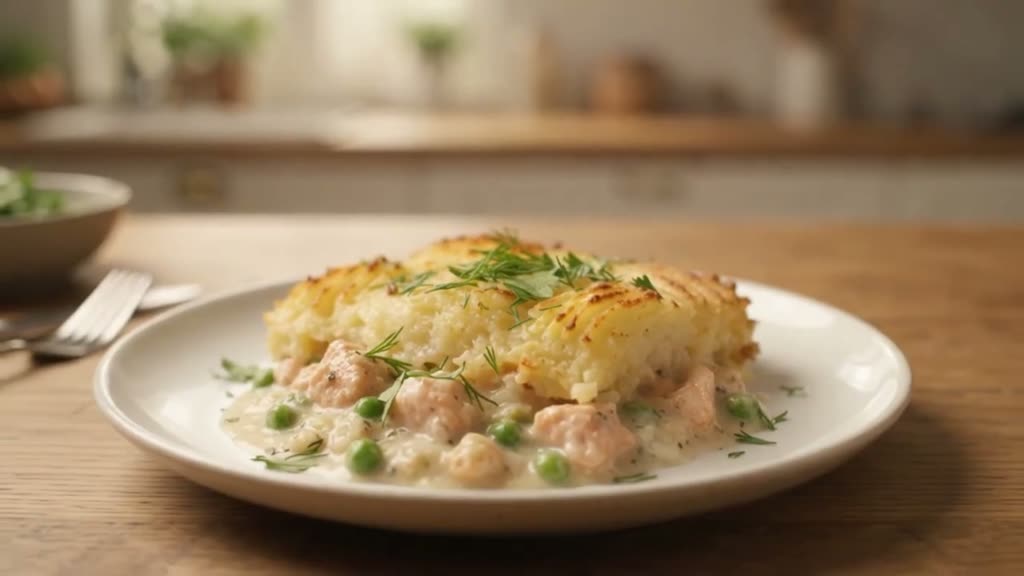
Video · TheHealthyPlate
85 min
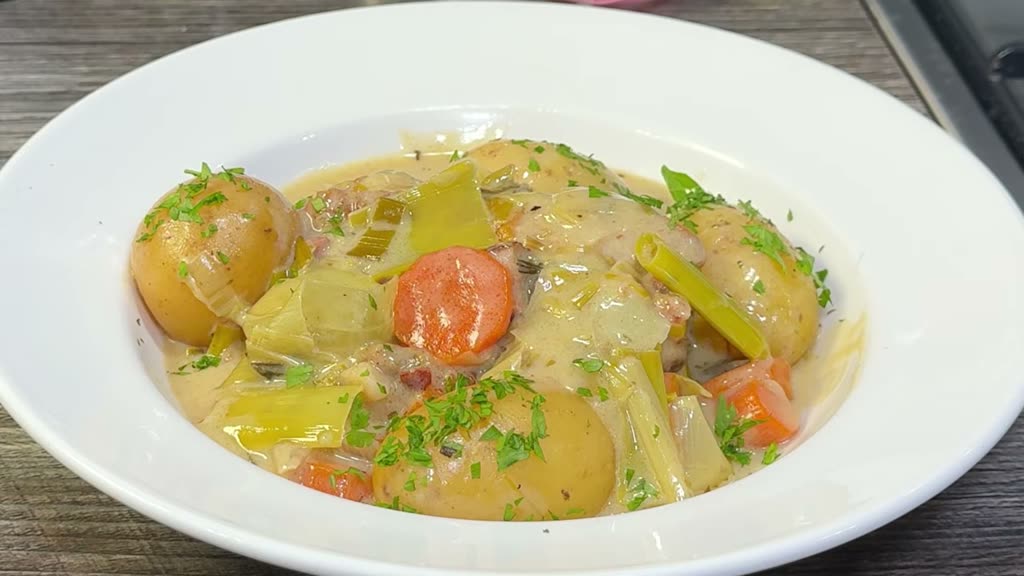
Video · Chef Archie’s Easy Recipes
80 min
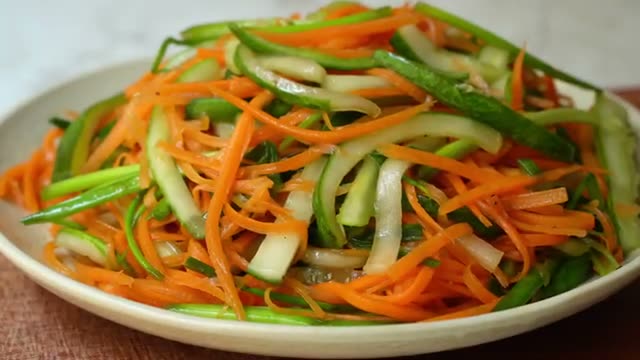
Video · Laka Kitchen
20 min
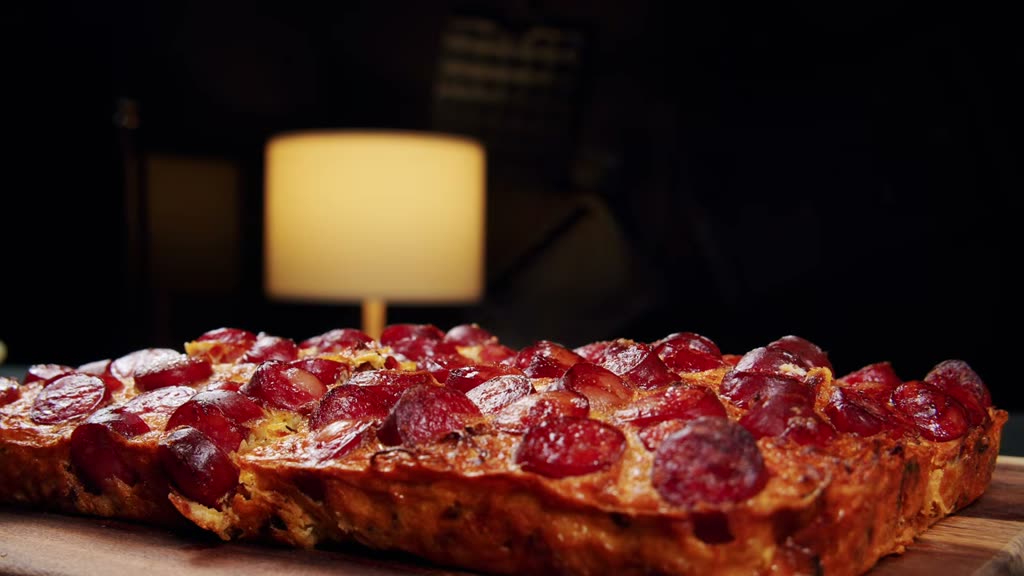
Video · Air Fryer Channel
40 min
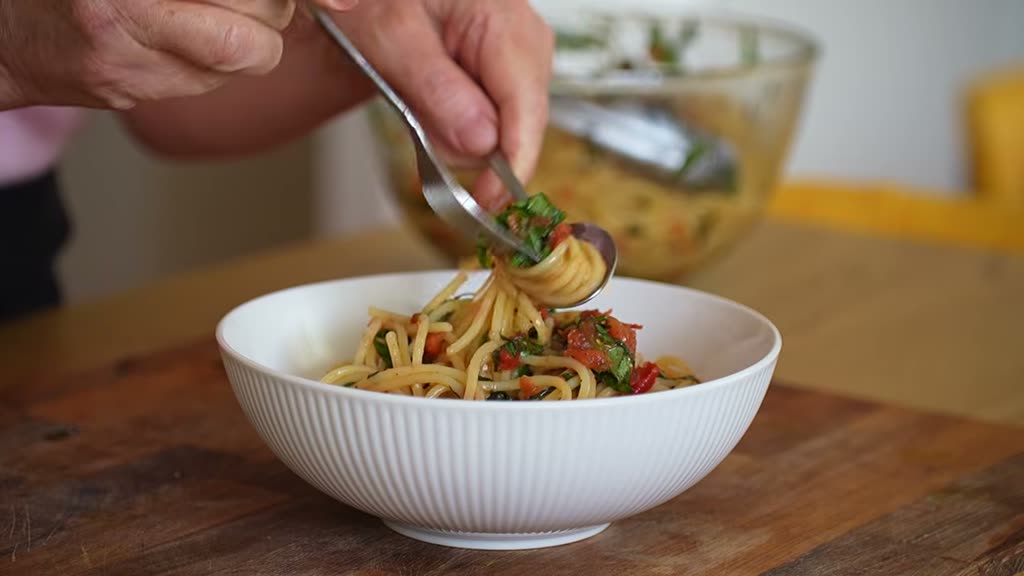
Video · Lees Cooking
100 min · Serves 4
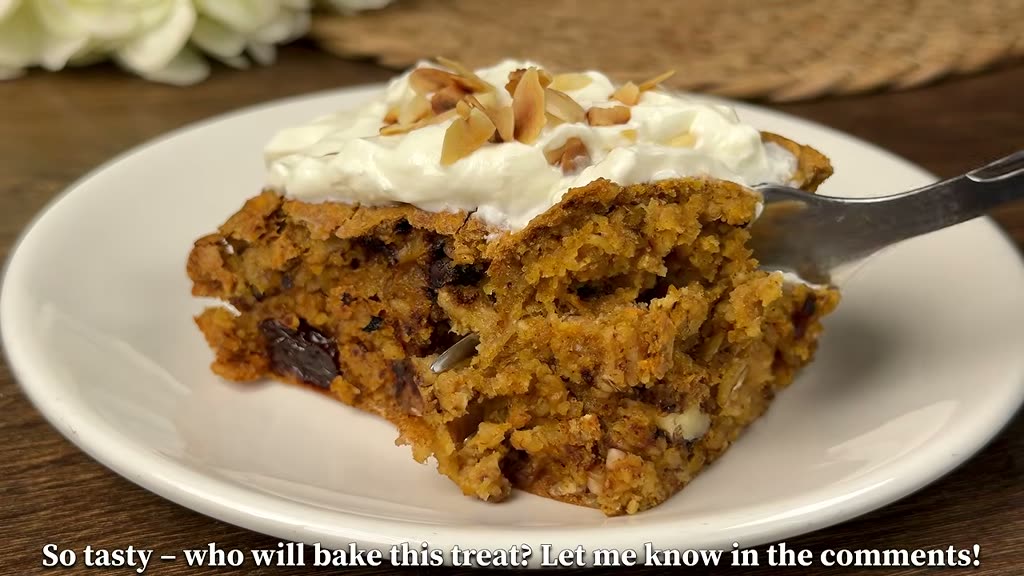
Video · Sweet Pastries
75 min
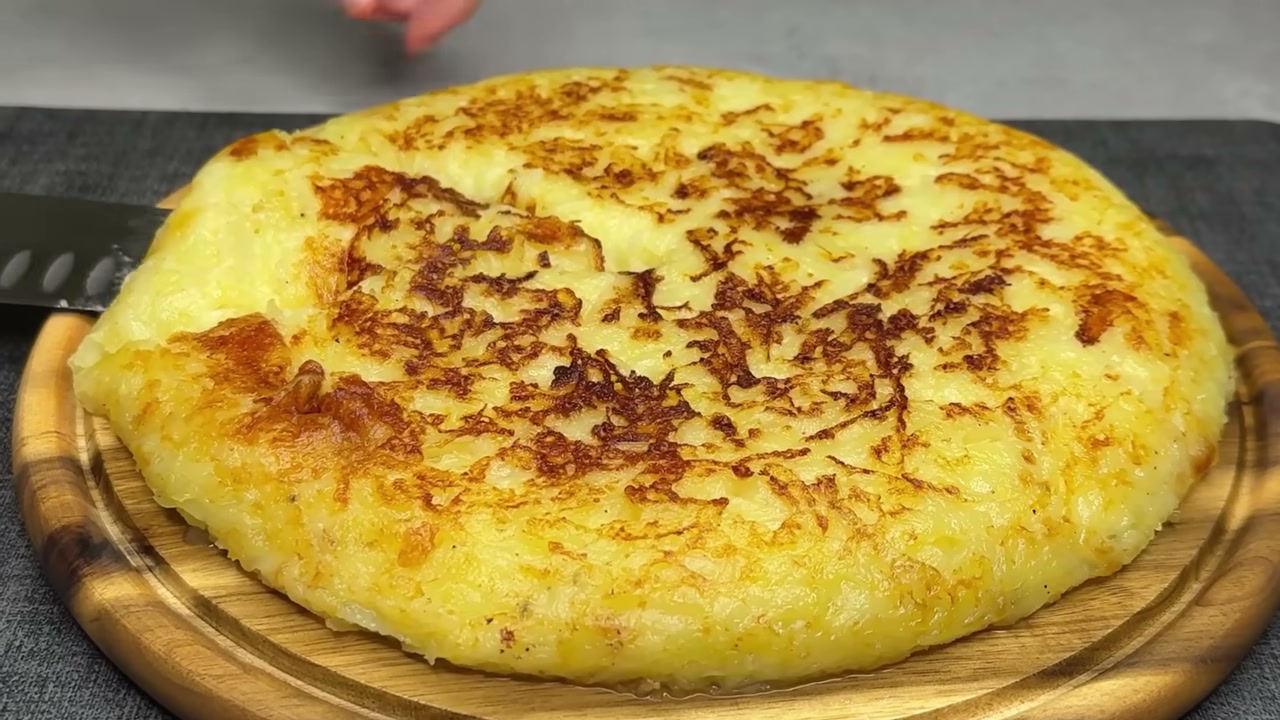
Video · ricettefresche
45 min · Serves 4
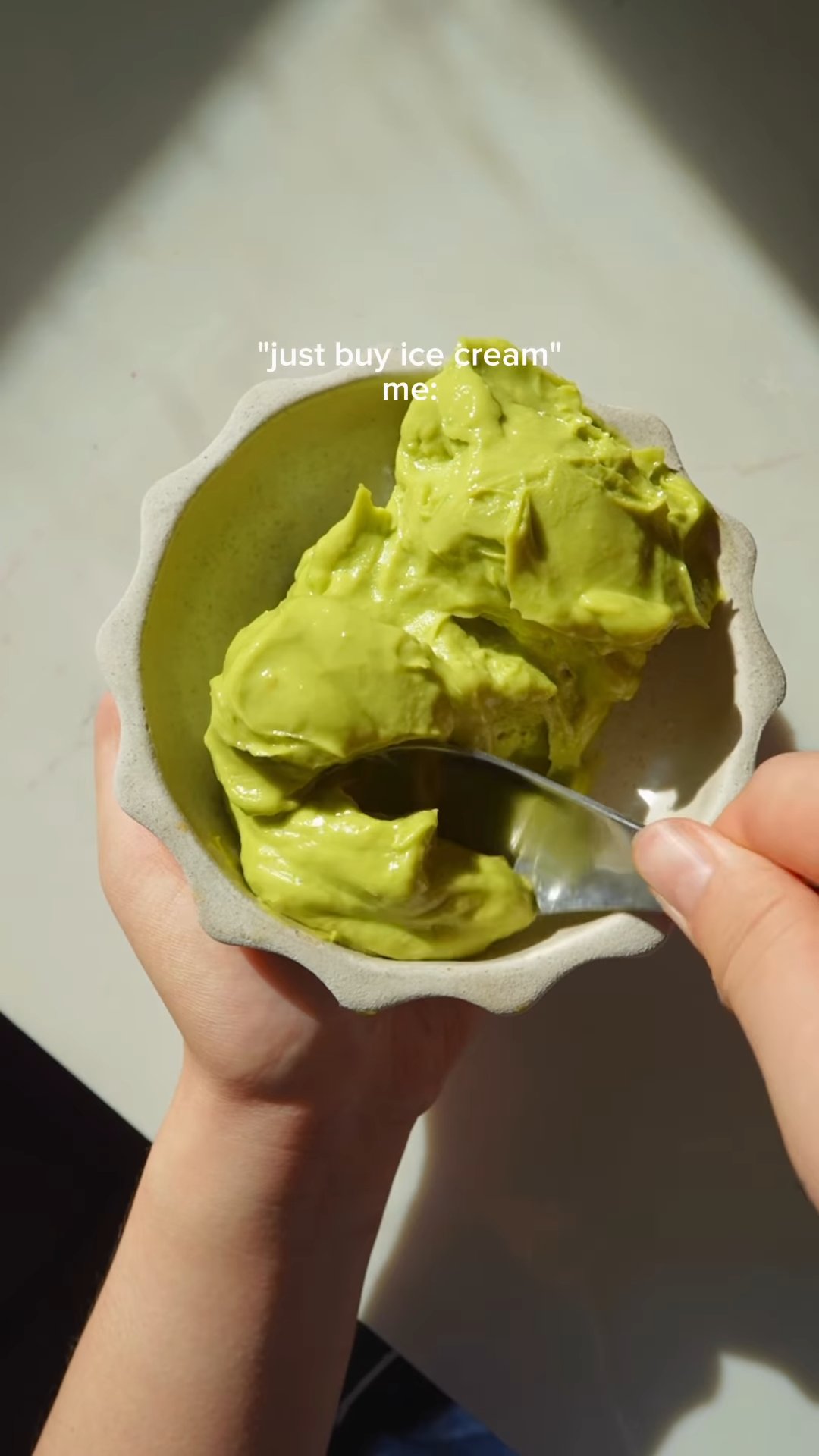
Reel · fationatefoodbelly
10 min · Serves 1
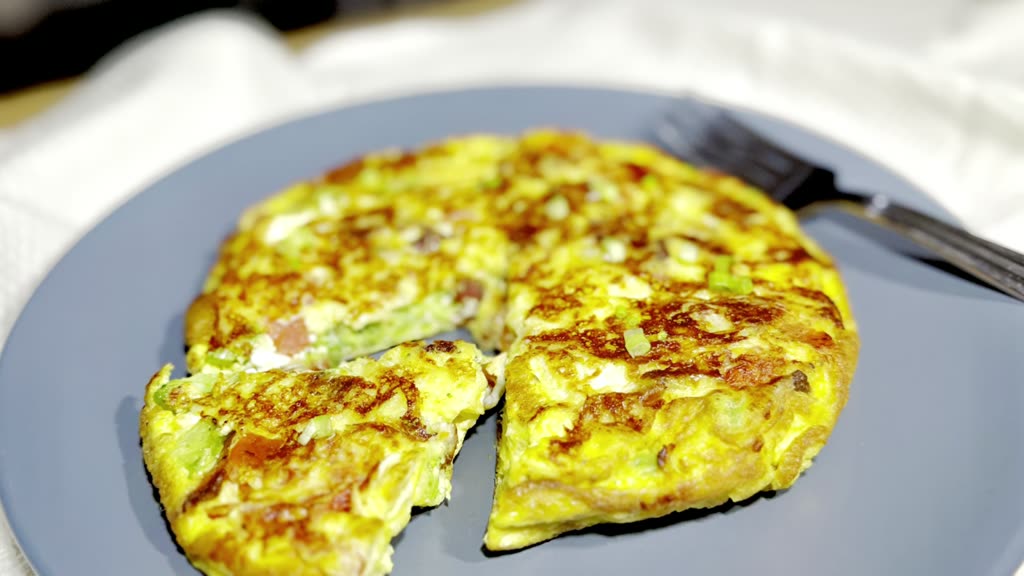
Video · Rocco’s Kitchen
20 min
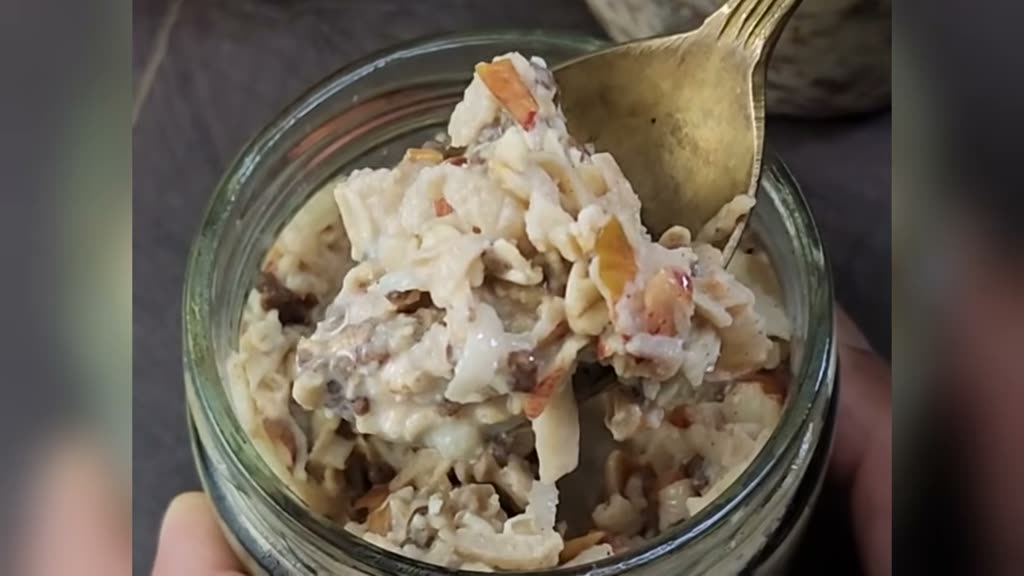
Video · Cook with Kushi
10 min