Free account · first 2 recipe saves on us
Create your free Nourishible account
Save the cooking videos you keep meaning to make — from YouTube or Instagram — as proper recipes with quantities and numbered steps, in one library on every device.
No form, no password, no card. Your first 2 recipe saves are free.
Already have an account? The same buttons sign you in.
On iPhone? Get the Nourishible app on the App Store
Real examples
Recipes that started as cooking videos
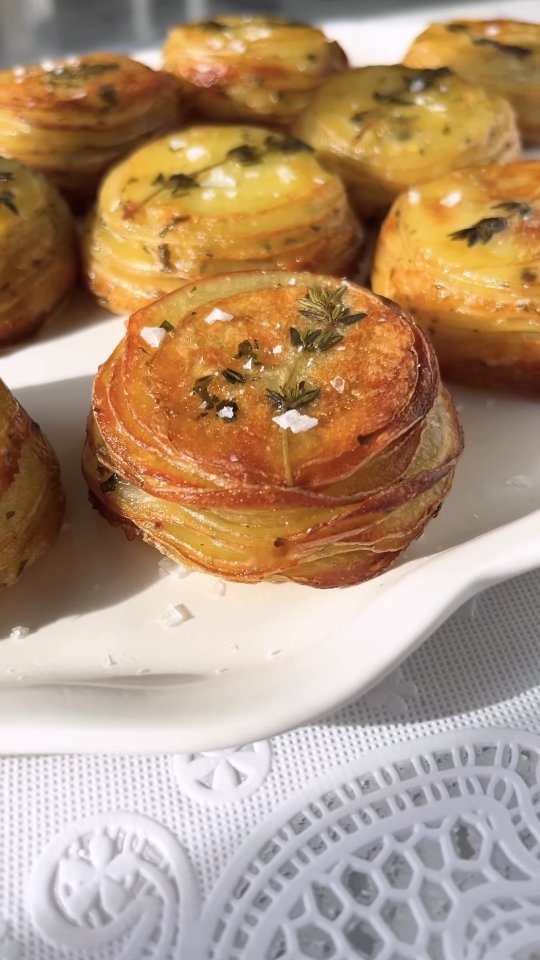
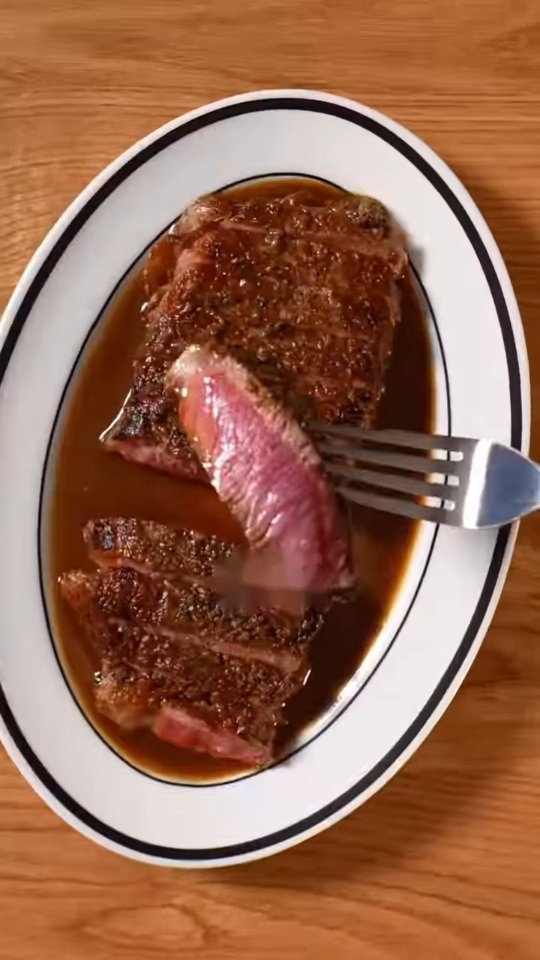
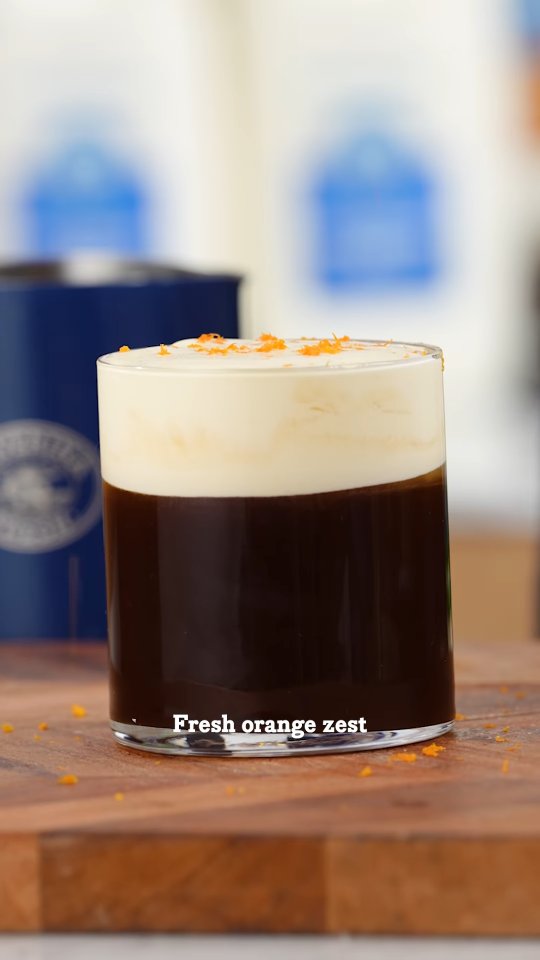
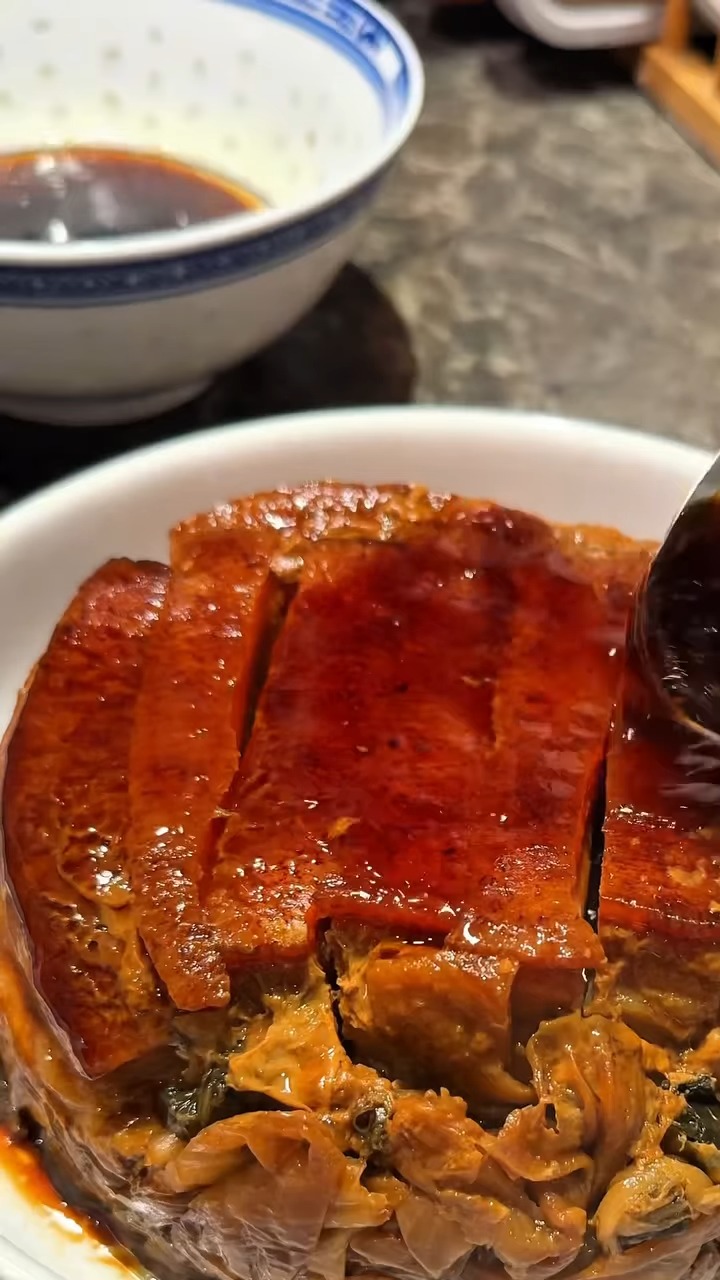
Open one to see what you get back: ingredients with quantities, numbered steps, servings and timings.
What an account gives you
Three things you get the moment you sign up
Videos become recipes you can cook from
Paste a YouTube or Instagram link, or share a video straight to the iPhone app, and get a proper recipe back — real quantities, numbered steps, servings and timings.
How saving from a video works →One library, searchable, on every device
Everything you save lands in My recipes and stays there. Search it, filter it by tag, and pick up on your phone what you saved on your laptop — instead of scrolling a camera roll hoping to recognise a thumbnail.
Browse the recipe library →A shopping list, and a cook mode that stays awake
Add a recipe to your shopping list and its ingredients merge into everything already on it, scaled to the servings you chose. At the stove, cooking mode goes fullscreen, tracks the step you are on and keeps the screen from sleeping.
See what to cook tonight →
How it works
From sign-up to your first recipe
Sign up with Google or Apple
Choose Google or Apple and you are in. There is no form to fill in, no password to remember and no confirmation email to go and find.
Paste a cooking video link
Drop in a YouTube or Instagram link and Nourishible writes the recipe out for you. It isn't instant — a YouTube recipe can take up to a day — so we let you know when it is ready.
Cook from it, or keep it for later
Send the ingredients to your shopping list, open cooking mode at the stove, or leave it in your library until the week you want it.
What it costs
Free to join. No subscription. Pay only for the recipes we write out for you.
Free, always
Your account, your library, the shopping list, cooking mode, and every published recipe and guide.
2 recipe saves on us
Your first 2 videos turned into recipes cost nothing, and there is no card to enter to get them.
Then 10 saves for $4.99
Top up with 10 saves for $4.99 or 20 for $8.99 when you need more. Nothing renews, saves never expire, and saves bought on the web work in the iPhone app too.
New accounts can buy one pack at half price in their first 48 hours. Use your own AI assistant? Recipes it saves to Nourishible never use a save. How connecting an assistant works
Common questions
Before you sign up
- Is a Nourishible account free?
- Yes. The account, your library, the shopping list and cooking mode are free, and so are your first 2 recipe saves. After that, saves come in packs — 10 for $4.99 or 20 for $8.99 — with no subscription.
- How do I create a Nourishible account?
- Choose Continue with Google or Continue with Apple. That is the whole process — no form to fill in, no password to choose and no confirmation email. The same buttons sign you back in later.
- Do I need an account to browse recipes?
- No. Every published recipe, ingredient page and guide is readable without signing in. An account is what lets you save recipes to your own library, build a shopping list and use cooking mode.
- Can I save recipes from Instagram Reels?
- Yes. Paste the Reel's link on the website, or in Instagram tap Share on the Reel and choose Nourishible in the iPhone app. You can also save Reels through your own AI assistant, which never uses a save.
- Is there a Nourishible iPhone app?
- Yes, free on the App Store. Sign in with the same Google or Apple account and your library is the same on both, and recipe saves bought on the web work in the app and the other way round.
- What counts as a recipe save?
- One recipe Nourishible writes out from a video for you. Saving a recipe that is already published on Nourishible does not use one, and neither does a video that fails to become a recipe or anything your own AI assistant saves.
- Can I delete my account?
- Yes, from your account page, whenever you like. Your account, your sign-in details and your private recipes are deleted. Recipes you chose to share with the community stay published, under the Nourishible Community account.
Start with one video
Sign up, paste the last cooking video you saved and meant to make, and see what comes back. Your first 2 recipe saves are free.
You can delete your account at any time from your account page.